

CAD vs BIM Software: Which Tool Is Best for Your Project?
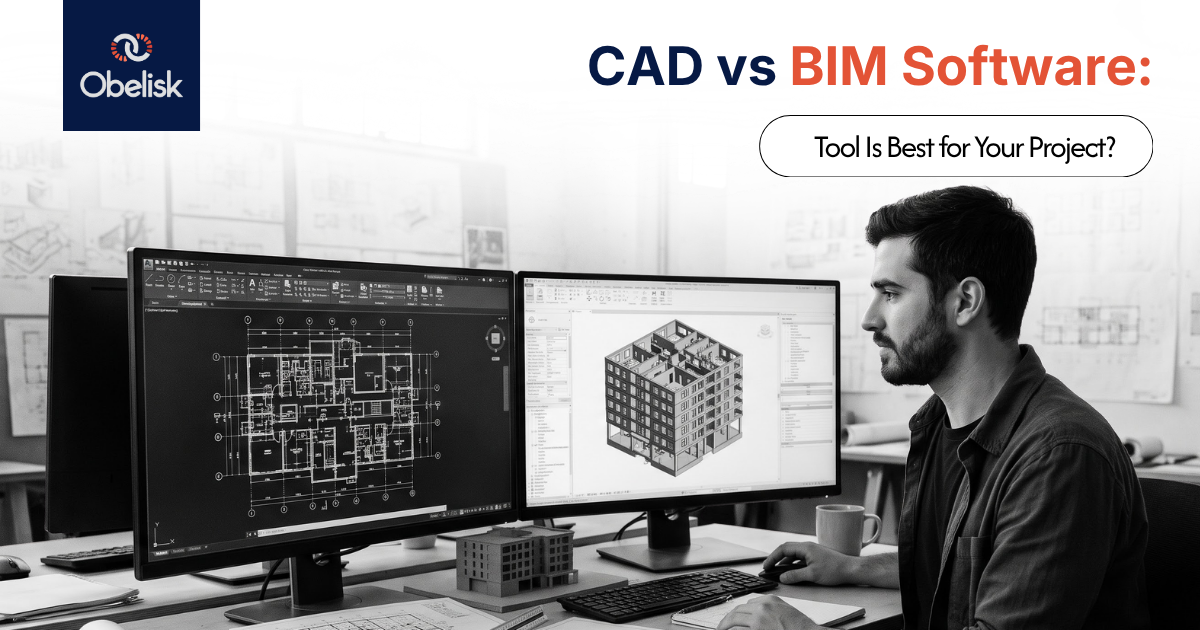
Architects, engineers, and contractors often use the terms CAD and BIM as if they describe the same kind of software. They don't. Computer-aided design is a broad category of tools for producing drawings and models, while Building Information Modeling is a specific, data-rich approach to designing and documenting a building as a coordinated digital model. Understanding the difference matters because choosing the wrong tool for a project, or assuming every 3D modeling program qualifies as BIM, can cost a team time, coordination quality, and documentation accuracy.
This guide explains what CAD and BIM software actually do, how 2D drafting differs from 3D modeling and BIM, when each approach makes sense, and how to choose the right tool based on project size, discipline, collaboration needs, and budget.
What Computer-Aided Design (CAD) Actually Means
Computer-aided design, or CAD, refers to the use of software to create, modify, and document designs, replacing manual drafting with digital tools. The term covers a wide range of software, from simple 2D drafting programs to advanced 3D modeling systems used across engineering, manufacturing, and architecture.
CAD is not a single product or a single discipline. Mechanical engineers use CAD to design parts and assemblies. Electrical engineers use it to lay out circuits. Architects and building designers use it to draft floor plans, elevations, and construction details. What unites all of these uses is the core function: producing accurate, scalable technical drawings or models faster and more precisely than hand drafting allows.
What CAD Software Does
In the context of architecture and construction, CAD software is primarily used to produce drawings: plans, elevations, sections, and details, either as 2D line drawings or as 3D geometric models. Programs like AutoCAD remain widely used for 2D drafting, documentation, and markups, and also support 3D modeling for visualizing geometry.
What CAD software generally does not do, at least not in its core form, is track a building as a single coordinated set of data-rich objects. A wall drawn in a 2D CAD file is a collection of lines. It doesn't inherently know its own height, material, or fire rating, and it doesn't automatically update every other drawing that references it if its position changes. Each drawing in a CAD-based workflow is typically its own file, manually kept consistent with the others.
What BIM Software Does
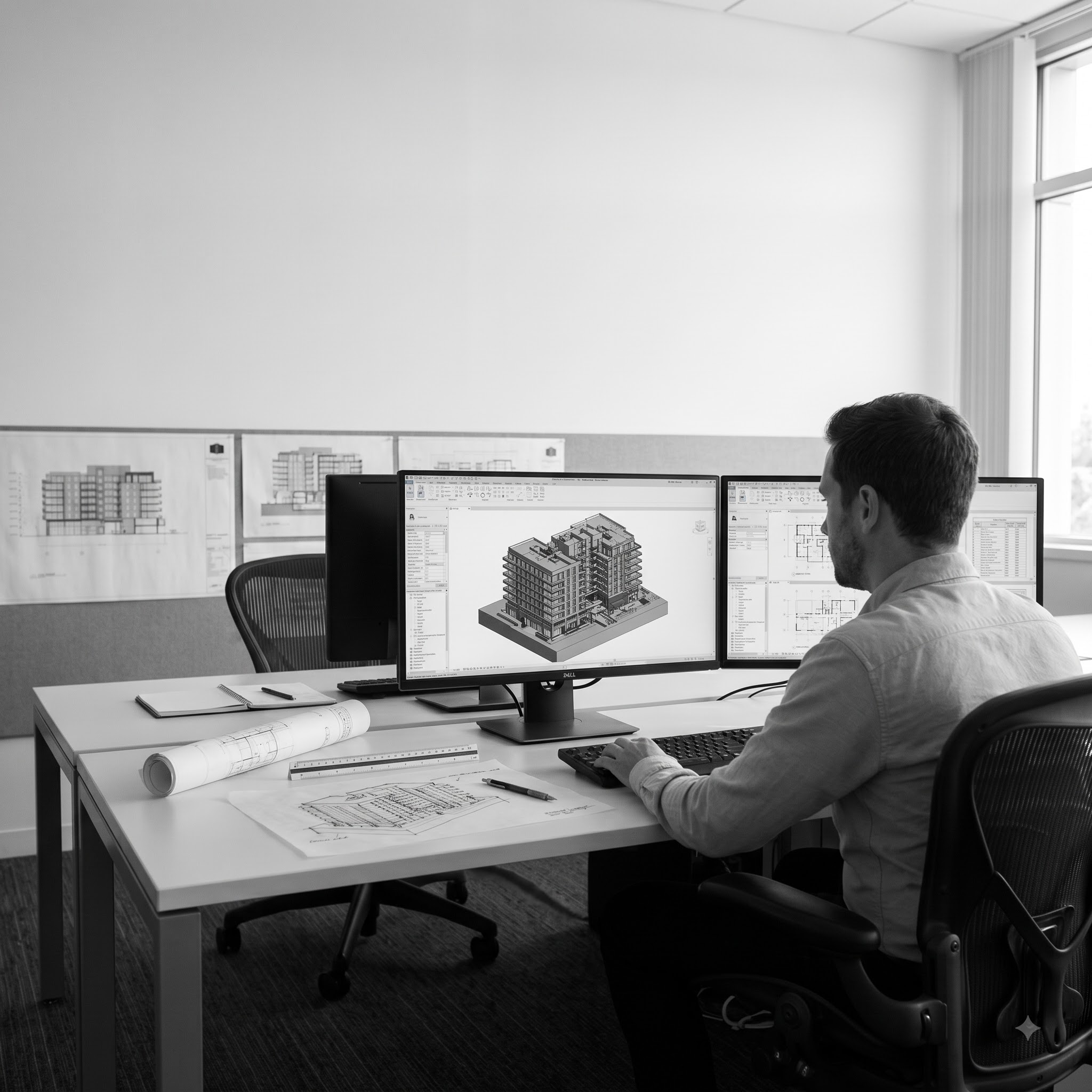
Building Information Modeling software, such as Autodesk Revit, Graphisoft Archicad, and Vectorworks Architect, takes a different approach. Rather than producing separate drawings, these tools build a single coordinated 3D model made up of intelligent objects: walls, doors, windows, structural elements, and systems that carry real data about material, dimensions, and performance.
From that one model, the software generates the 2D drawings (plans, sections, elevations, schedules) as views of the same underlying data. Change a wall's position or height in the model, and every view referencing that wall updates automatically. This is the central distinction between BIM and CAD: BIM software manages a building as structured, interconnected data, not just as a collection of drawn lines.
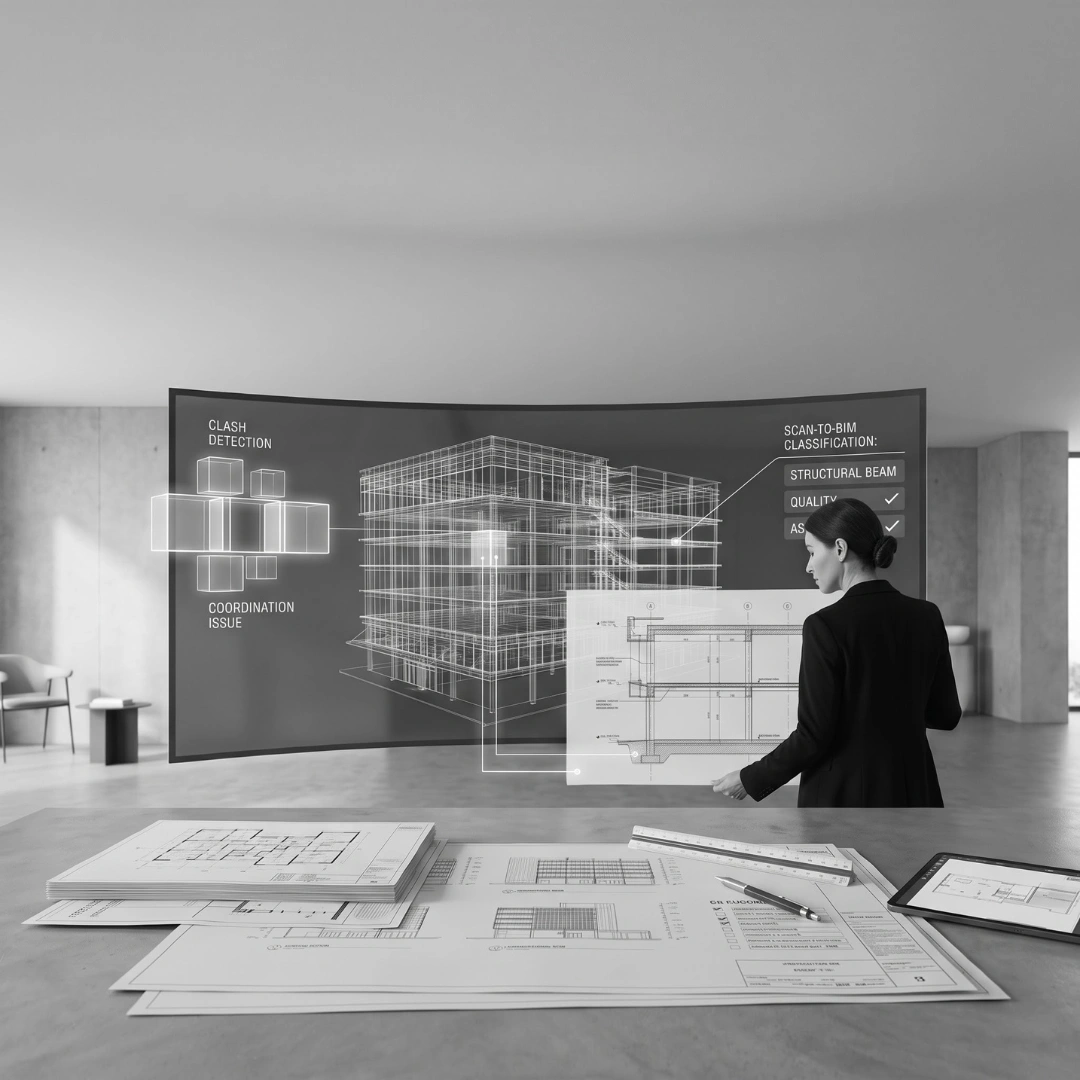
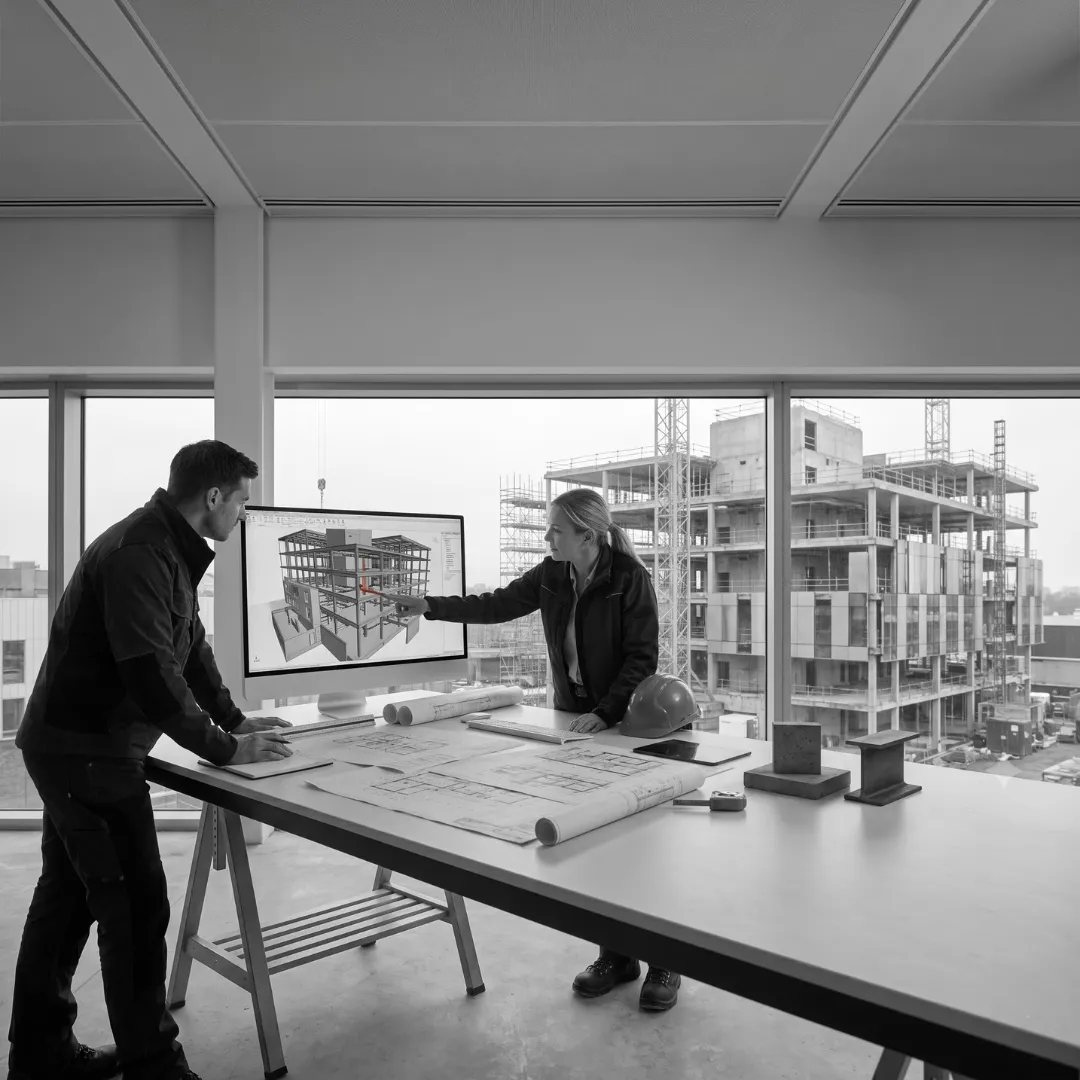
BIM also typically supports clash detection and coordination between disciplines, since structural, architectural, and MEP models can be federated and checked against each other before construction begins, something that is far harder to do reliably across separate 2D CAD files.
Beyond drawing production, a well-maintained BIM model can support scheduling, quantity take-offs, and in some workflows, facilities management data that carries through past project completion. That extended value depends on how rigorously the model is built and maintained; a rushed or inconsistently modeled project will not deliver reliable downstream data regardless of which BIM software produced it.
How CAD and BIM Handle File Exchange and Interoperability
Software choice also affects how easily a team can collaborate with consultants using different tools. CAD workflows typically exchange drawings through widely supported formats like DWG and DXF, which most drafting software can open and edit without much friction.
BIM interoperability works differently. Because a BIM model carries structured object data rather than just geometry, exchanging it between different authoring platforms, Revit to Archicad, for example, relies on open standards like IFC (Industry Foundation Classes), maintained by buildingSMART, to preserve as much of that data as possible across the handoff. IFC exchange is generally reliable for geometry and core object properties, though some platform-specific data can be lost or need manual reconciliation depending on how the originating model was built. Firms working with consultants on different BIM platforms should confirm upfront how model data will be exchanged and what, if anything, is expected to transfer cleanly through IFC.
CAD vs BIM: The Core Difference
The distinction is sometimes summarized as "2D vs 3D," but that oversimplifies it. Plenty of CAD software produces 3D geometry. The real difference is between drawing-based workflows and data-based workflows.
The distinction between CAD and BIM is sometimes summarised as “2D vs 3D,” but that oversimplifies the difference. Many CAD applications can also produce 3D geometry. The more important distinction is that CAD is primarily based on drawing-based workflows, while BIM is built around data-rich, coordinated building information.
In a CAD workflow, the primary output is typically a collection of individual 2D drawings or 3D geometry. Lines and shapes represent the design, but they do not inherently carry information about materials, dimensions or performance. When a change is made, related drawings may need to be updated manually, and coordination between different files often relies on manual cross-checking. This makes CAD well suited to tasks such as simple drafting, mechanical or electrical design and early-stage concepts, using tools such as AutoCAD and other 2D drafting applications.
BIM, by contrast, works around a coordinated 3D model from which drawings and views can be generated. The objects within the model can carry information such as material, dimensions and performance data. When the model changes, referencing views can update automatically, helping teams maintain consistency across documentation. BIM workflows can also support clash detection across federated models, making them particularly useful for multidisciplinary building projects that require coordinated documentation. Common BIM authoring tools include Revit, Archicad and Vectorworks Architect.
Not every 3D design tool qualifies as BIM software. A program that produces attractive 3D visualizations without managing data-rich, interconnected building objects is a 3D modeling tool, not a BIM authoring platform. The distinction matters because BIM's real value comes from the underlying data and coordination, not from the fact that the model looks three-dimensional.
2D Drafting vs 3D Modeling vs BIM
These three terms get used loosely, so it helps to separate them clearly.
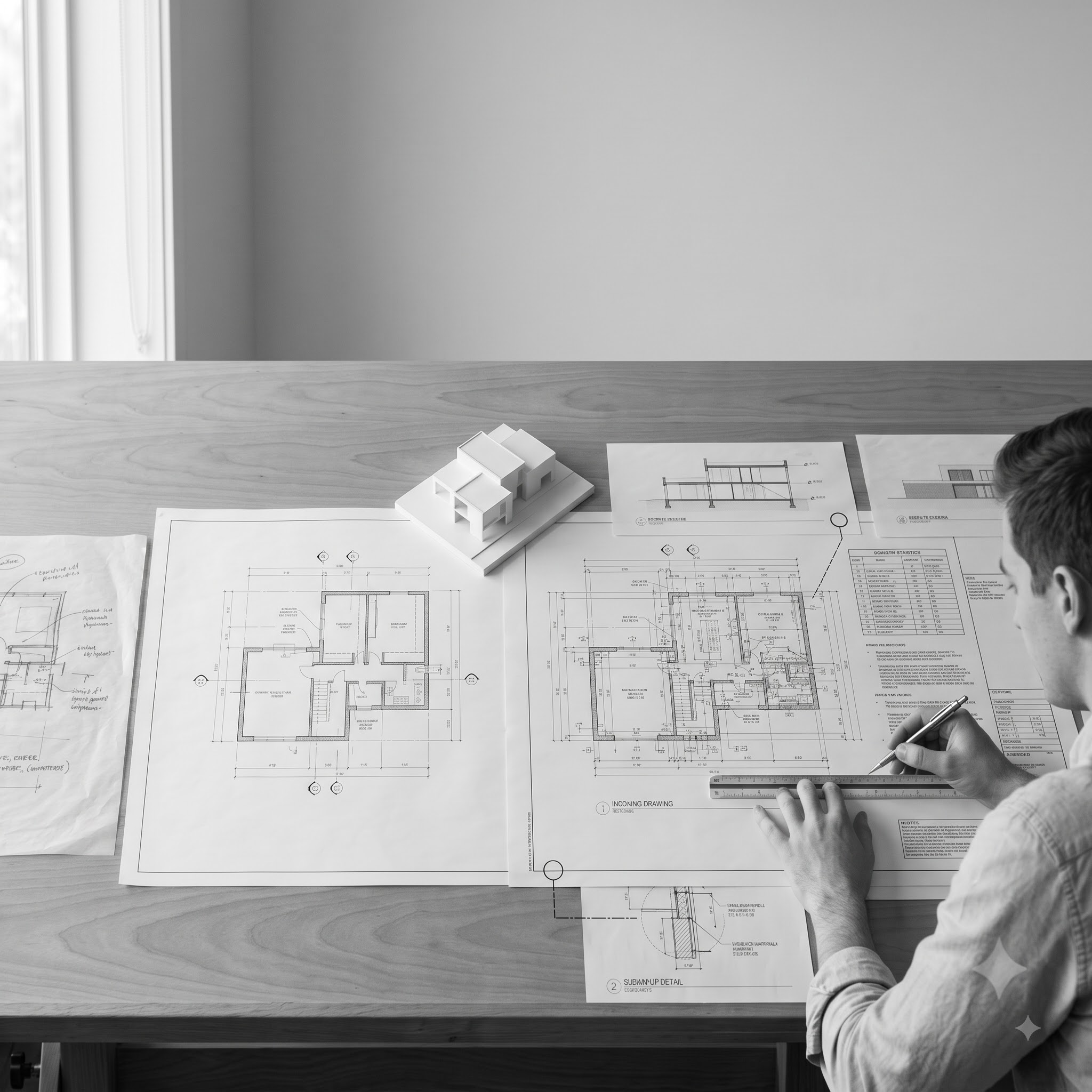
2D drafting produces flat, scaled drawings: plans, elevations, sections. It's fast, familiar to most practitioners, and often sufficient for simple projects or early concept work where design intent matters more than full technical resolution.
3D modeling produces three-dimensional geometry, useful for visualization, massing studies, and understanding spatial relationships, but the model itself may carry little or no embedded data about materials, performance, or construction logic. Many visualization-focused tools fall into this category without functioning as true BIM software.
BIM goes further than either. It combines 3D geometry with structured data and coordination logic, so the model functions as a shared source of truth across design, documentation, and often construction and facilities management. A BIM model isn't just a 3D picture of a building; it's a data structure that happens to be visualized in three dimensions.
When CAD Is the Better Choice
2D CAD drafting remains a reasonable choice in several situations. Simple projects, such as a small residential alteration or a single-discipline drawing set, often don't justify the setup time a coordinated BIM model requires. Early-stage concept sketches, where the design is still being tested and refined, can move faster in a lightweight 2D or basic 3D tool before committing to a fully detailed model. And teams working on isolated, single-discipline documentation, without the need to coordinate against structural or services models, may find CAD's simplicity an advantage rather than a limitation.
CAD also remains the standard in parts of engineering and manufacturing where BIM-style building data modeling isn't the relevant workflow at all.
When BIM Is the Better Choice
BIM earns its setup overhead on projects where coordination and data accuracy matter most. Multi-discipline projects, where architectural, structural, and MEP teams need their work checked against each other before construction, benefit directly from BIM's clash detection and federated model coordination. Larger or more complex buildings, where manually keeping dozens of 2D drawings consistent becomes a genuine risk, are generally better served by a single coordinated model. Projects with extended timelines or significant design iteration also benefit, since a model-driven workflow absorbs late changes more efficiently than a drawing-based one, because every view updates from the same source data rather than needing manual revision one sheet at a time.
BIM is also increasingly expected on public and larger commercial projects, where clients or planning authorities may require BIM deliverables as part of the contract.
How CAD and BIM Can Work Together
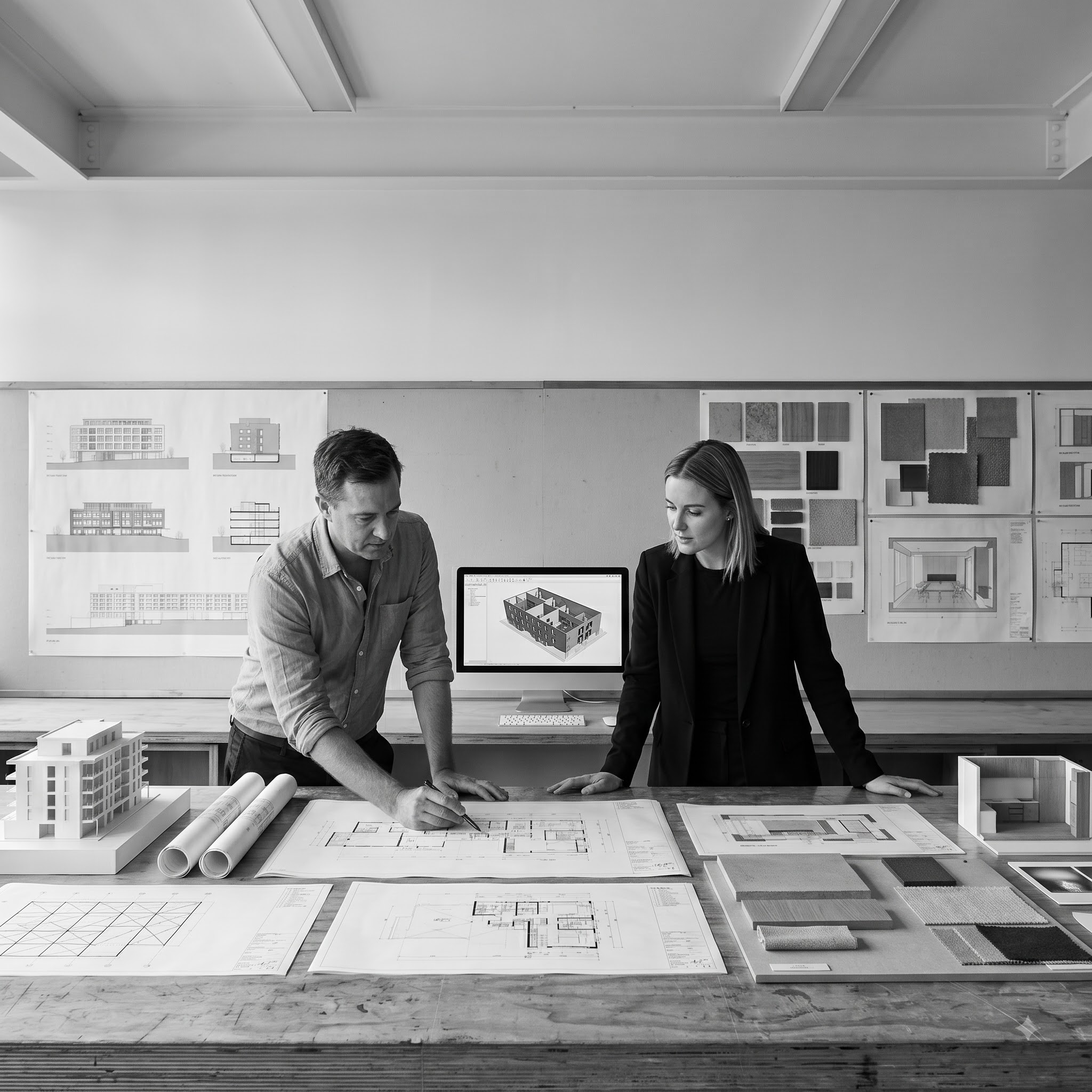
CAD and BIM aren't strictly competing approaches. Many practices use both, often at different project stages or for different purposes. A concept design might start in a quick 2D or basic 3D sketch before design intent is resolved enough to justify building a full BIM model. Detail drawings for highly specific junctions are sometimes still produced or refined in 2D CAD, even within a broader BIM-led project, because a detail at a very fine scale doesn't always need full model-based coordination. And firms working with external consultants or contractors who use different software often need to export BIM models into 2D CAD formats for compatibility, or import CAD survey and site data into a BIM model as a starting reference.
The practical reality for most AEC practices isn't a binary choice between CAD and BIM across the board. It's choosing the right approach for each phase and each deliverable within a project.
How to Select Software Based on Project Requirements
A few factors consistently drive the CAD vs BIM decision for a specific project.
Project size and complexity. A small, single-discipline project rarely needs the overhead of a full BIM workflow. A multi-storey, multi-discipline project is exposed to real coordination risk without one.
Discipline and workflow. Architectural documentation benefits significantly from BIM's data and coordination advantages. Some engineering and manufacturing workflows remain CAD-centric by nature, regardless of building scale.
Collaboration requirements. Projects involving several consultants working on interconnected systems, architectural, structural, services, benefit from BIM's ability to federate and clash-check models. A single-author, single-discipline project has less to gain from that overhead.
Documentation needs. If a project needs schedules, quantities, and drawings that stay automatically consistent as the design evolves, BIM's model-driven output reduces manual error. If the deliverable is a small, fixed set of drawings unlikely to change significantly, CAD may be entirely sufficient.
Budget and resourcing. BIM software and the training behind it represent a real investment, in licensing, in staff capability, and in the time needed to build and maintain a coordinated model properly. Teams need to weigh that investment against the coordination and documentation value a specific project will actually realize.
None of these factors points to one tool being universally superior. The right choice depends on matching the software's strengths to what a specific project actually requires, and that assessment is worth revisiting project by project rather than treated as a fixed, firm-wide policy. A practice that defaults to BIM for every job, including ones too small to benefit from it, pays unnecessary overhead. A practice that stays in 2D CAD regardless of project complexity accepts coordination risk that a model-based workflow would have caught earlier.
Common Misconceptions About CAD and BIM
A few misunderstandings come up repeatedly in how people talk about CAD and BIM. One is treating any 3D modeling software as BIM software by default, when the defining feature of BIM is structured, interconnected data, not simply having three dimensions. Another is assuming BIM is only relevant to large commercial projects, when mid-scale multi-residential and even some larger residential projects can benefit from its coordination capabilities. A third is assuming CAD is obsolete, when 2D drafting remains a genuinely useful tool for specific project types, early concept work, and disciplines outside building design entirely.
A related misconception is assuming that adopting BIM software automatically produces BIM-quality outcomes. The software enables data-rich, coordinated modeling, but the discipline of actually building and maintaining that data correctly, consistent family libraries, accurate object properties, regular coordination checks, still depends on the people and process behind it. A poorly modeled Revit file can still contain the same kind of inconsistencies a sloppy CAD drawing set would.
Choosing Based on What Your Project Actually Needs
Obelisk works across both 2D CAD drafting and BIM/Revit-based documentation, matched to what a specific project requires rather than defaulting to one approach for every job. For teams weighing up whether a project needs CAD drafting, a coordinated BIM model, or a combination of both at different stages, a direct conversation about the project's scale, discipline mix, and documentation requirements is generally more useful than a generic recommendation.
Contact Obelisk to discuss a project, or explore the CAD drafting, Revit drafting, and BIM consulting service pages for more detail on specific capabilities.
FAQs
What is the difference between CAD and BIM?
CAD software produces drawings or 3D geometry without inherent data about the objects it represents. BIM software builds a single coordinated model made of data-rich objects, generating drawings as views of that same underlying data and updating them automatically when the model changes.
Is Revit a CAD program or a BIM program?
Revit is a BIM authoring platform. It builds a coordinated 3D model carrying object data, rather than producing independent 2D drawings the way traditional CAD software does.
Is AutoCAD the same as BIM software?
No. AutoCAD is primarily a 2D and 3D CAD drafting tool. It doesn't manage a building as a single coordinated set of data-rich objects the way BIM authoring software does.
Does every 3D modeling tool count as BIM software?
No. A tool that produces 3D geometry or visualizations without structured, interconnected building data is a 3D modeling tool, not BIM software. BIM's defining feature is the data and coordination behind the model, not simply having three dimensions.
When should a project use CAD instead of BIM?
CAD is often a reasonable choice for small, single-discipline projects, early concept sketches, or documentation that doesn't need to be coordinated across multiple consultants' models.
When does BIM make the most sense?
BIM tends to deliver the most value on multi-discipline projects, larger or more complex buildings, and projects where coordination between architectural, structural, and services models is important to catch conflicts before construction.
Can CAD and BIM be used together on the same project?
Yes. Many practices use 2D CAD for early concept sketches or specific detail drawings while running the broader design and documentation through a BIM model, and files are often exchanged between the two formats depending on what consultants or contractors use.
Which software should an architecture firm choose: Revit, Archicad, or Vectorworks?
All three are established BIM authoring platforms with their own strengths and workflows. The right choice generally depends on a firm's existing software ecosystem, team familiarity, discipline mix, and the specific collaboration requirements of their typical projects, rather than one tool being universally best.
Is BIM only useful for large commercial buildings?
No. While BIM is increasingly expected on larger commercial and public projects, mid-scale multi-residential and some larger residential projects can also benefit from its data and coordination capabilities, depending on how many disciplines are involved.
Does switching to BIM mean CAD skills become unnecessary?
No. CAD remains relevant for specific drafting tasks, early concept work, and disciplines where BIM-style building data modeling isn't the standard workflow, so many practitioners continue to use both.
TABLE OF CONTENTS




















.png)
.png)


.webp)