

BIM Coordination: How Multi-Discipline Models Get Aligned
%20(1).png)
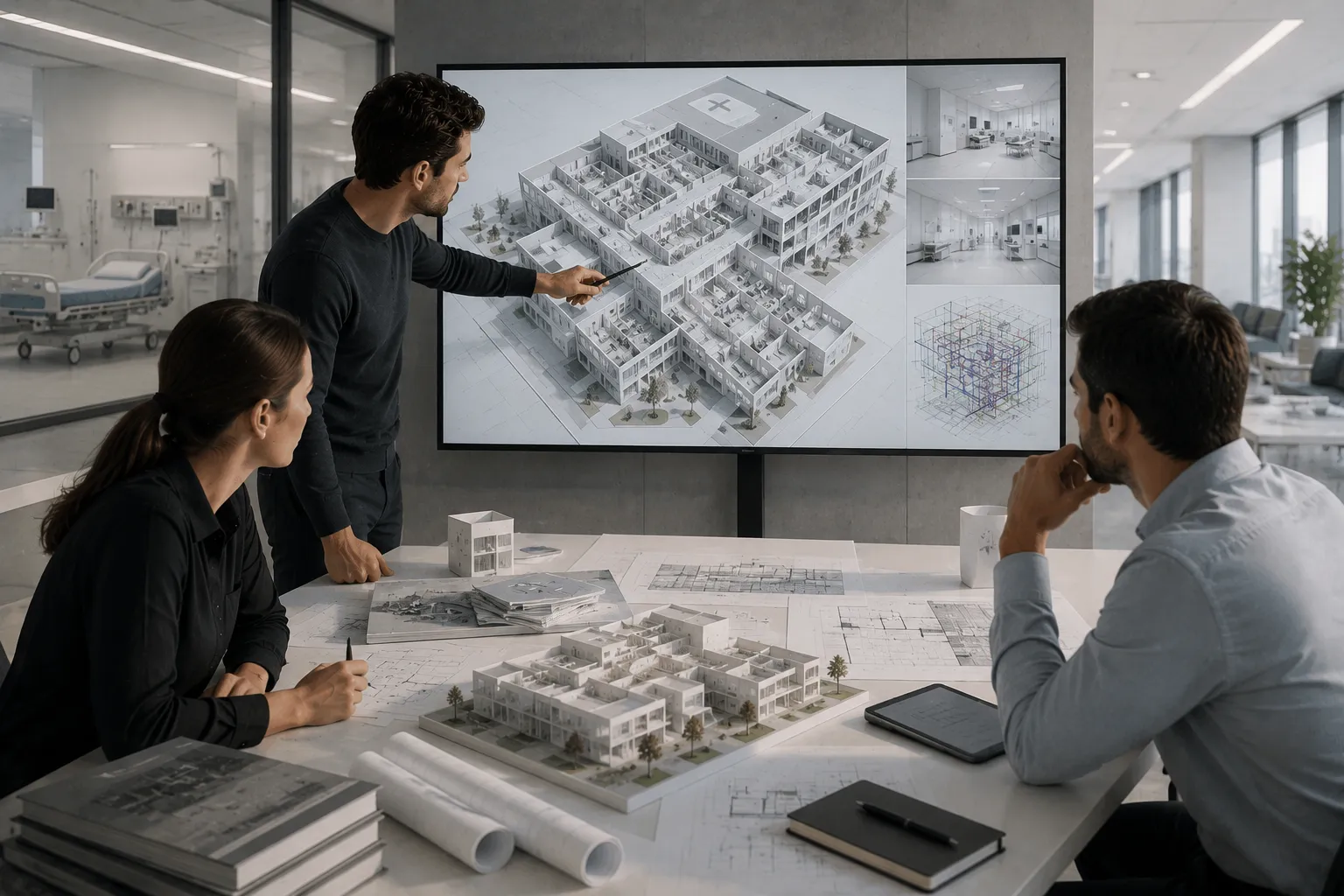
Three teams can each produce a technically correct model and still hand over a building that doesn't work. The architect's ceiling height is right. The structural engineer's beam size is right. The MEP engineer's duct routing is right. None of them are wrong on their own terms, and none of them fit together, because nobody checked the three models against each other before construction started. That checking process is BIM coordination, and it's a distinct discipline from modeling itself, not just a final step tacked onto the end of it.
This article explains how BIM coordination actually works: what a federated model is, how clash detection fits into a broader coordination workflow, what tools professionals use, and where coordination commonly breaks down on real projects.
What BIM Coordination Actually Is
BIM coordination is the process of combining separate discipline models, architectural, structural, mechanical, electrical, plumbing, fire protection, into a shared environment, checking them against each other for conflicts, and managing those conflicts through to resolution before construction begins. It's distinct from BIM modeling, which is the act of building each of those individual models in the first place.
The distinction matters because a project can have excellent modeling and poor coordination, or the reverse. A structural engineer can build a precise, well-parameterized model of a beam and column grid. Whether that grid actually leaves room for the mechanical ductwork planned to run through the same ceiling void is a coordination question, not a modeling one, and it only gets answered when someone checks the two models together.
BIM Modeling vs BIM Coordination: Where One Ends and the Other Begins
Modeling produces the inputs. Coordination produces the outputs a construction team can actually rely on. An architect modeling a floor plan is responsible for that model being geometrically accurate and properly parameterized within their own discipline. A BIM coordinator, or a coordination process run collectively by the project team, is responsible for confirming that model doesn't conflict with what every other discipline is building into the same physical space.
This split matters practically because it changes who's accountable for what. A clash between a duct and a beam isn't automatically the fault of whoever modeled the duct or whoever modeled the beam. It's evidence that the coordination process, checking the two models against each other, either didn't happen at the right point in the project or didn't catch something it should have.
The Federated Model: How Separate Disciplines Come Together Without Merging
A federated model brings multiple discipline models into a single coordination environment while keeping each source model independent. Architectural, structural, and MEP models remain separate files, each still owned and edited by its own discipline, but they're linked together into a combined view that lets a coordination team see how all of them sit in the same space at once.
This is a deliberate design choice, not a limitation. Merging models into one file would mean losing the ability to track which discipline is responsible for which element, and it would make version control nearly unworkable on a project with multiple firms publishing updates on different schedules. Federation keeps each discipline's model as the authoritative source for their own scope while still allowing the whole picture to be checked together.
Hard Clashes, Soft Clashes, and Workflow Clashes
Not every conflict a coordination process finds is the same kind of problem, and treating them all identically tends to bury the genuinely urgent issues under a pile of minor ones.
Hard clash:
Two physical elements occupy the same space
A duct running directly through a structural beam
Soft clash:
Elements don't physically intersect but violate a required clearance
A pipe routed too close to an access panel to allow maintenance
Workflow clash:
Elements don't conflict geometrically but create a sequencing or installation problem
A ceiling scheduled to close in before inspection of concealed services can occur
Hard clashes are the most visually obvious and the easiest to detect automatically in clash detection software. Soft clashes require the software to be configured with the right clearance rules. Workflow clashes are the hardest to catch through software alone and usually surface through a human reviewer thinking through actual construction sequencing rather than just checking for geometric overlap.
The BIM Coordination Workflow, Stage by Stage
BIM Execution Plan and Coordination Setup
Coordination doesn't start with clash detection. It starts with an agreed BIM Execution Plan that establishes the coordination software platform, model file naming and organization conventions, shared coordinates, Level of Development requirements by discipline and stage, how often models get published for coordination, and who owns resolving which category of clash.
Model Publishing and Federation
Each discipline publishes their model on an agreed schedule, weekly or fortnightly on many projects, into the shared coordination environment. The coordination manager federates the latest published versions into a combined view. This is also the point where basic model health gets checked: does the model open without errors, does it sit in the correct shared coordinate location, does it contain the categories of element it's supposed to at this stage.
Clash Detection
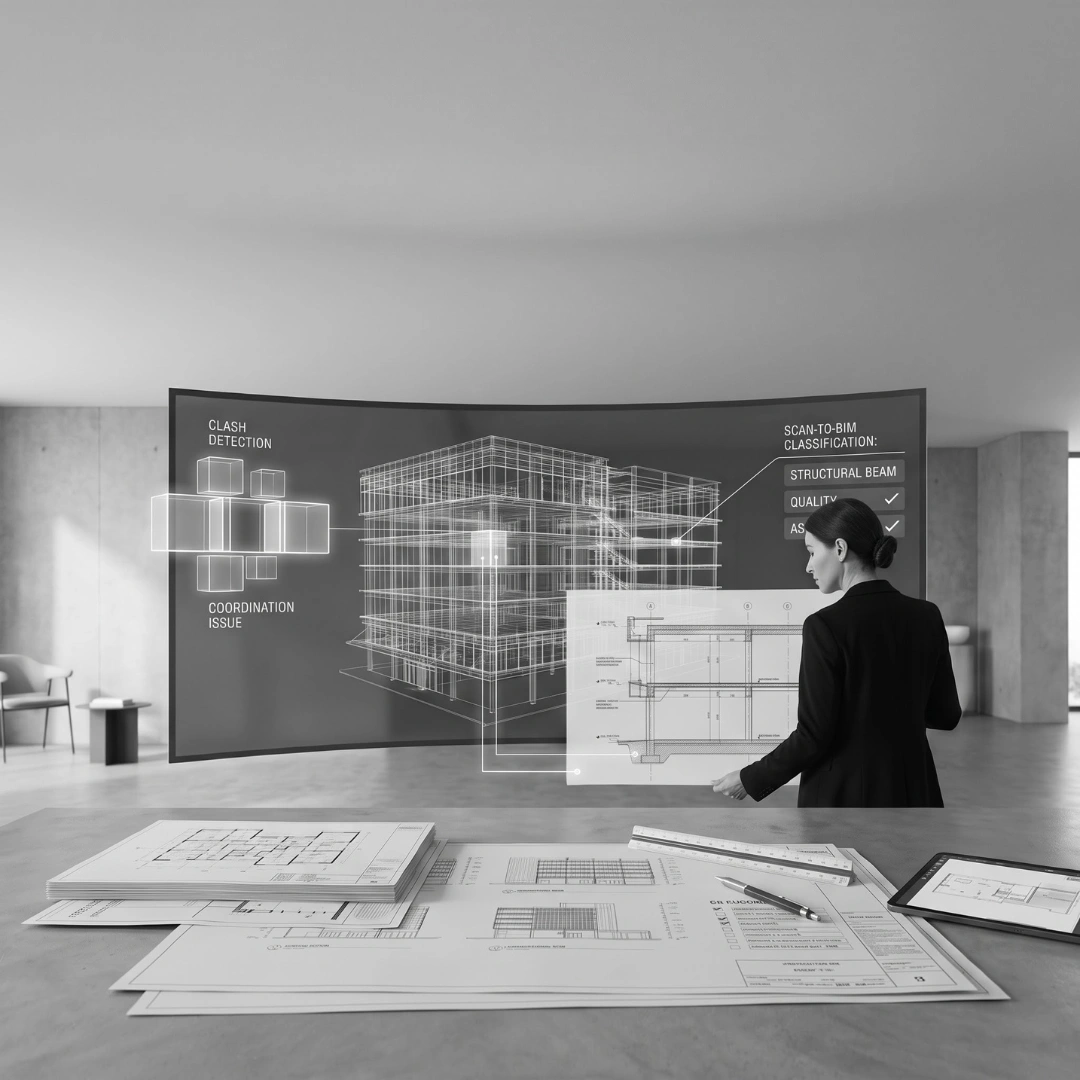
With models federated, clash detection software runs automated tests between defined discipline pairs, mechanical against structural, electrical against mechanical, plumbing against architectural, and so on. This produces a clash report, which on a complex project can easily contain thousands of individual results, many of them duplicates or the same type of conflict repeated across a run of similar elements.
Coordination Review Meetings
Raw clash reports aren't reviewed in isolation. Coordination teams, typically including representatives from each discipline, meet on a regular cadence to walk through prioritized clashes together, agree who's responsible for resolving each one, and discuss anything a clash report alone wouldn't surface, like a workflow clash that depends on construction sequencing rather than geometry.
Issue Resolution and Model Updates
Each assigned clash gets resolved by updating the relevant discipline's model, not by manually editing the federated view, since the federated view is only ever a reflection of the source models. Once updated, that discipline republishes their model, and the next coordination cycle checks whether the fix actually resolved the issue without creating a new one elsewhere.
Architectural, Structural, and MEP Coordination in Practice
Architectural coordination centers on the building envelope, spatial layout, and the constraints, floor-to-floor heights, structural grid, service risers, that everyone else has to work within. Because the architectural model typically establishes shared coordinates and levels for the whole project, errors here tend to cascade into every other discipline's coordination.
Structural coordination is about confirming the load-bearing skeleton doesn't conflict with architectural spatial intent or leave inadequate room for services. A recurring coordination tension is beam depth versus ceiling height, which usually means adjusting one or the other, or introducing a transfer structure, rather than assuming it will simply work out.
MEP coordination generates the highest volume of clashes on most projects, because mechanical, electrical, and plumbing systems all compete for the same ceiling void, and each system has its own routing logic that doesn't naturally account for the others.
Model Checking Before Clash Detection Even Starts
Clash detection assumes the models being checked are themselves reliable, and that assumption doesn't always hold. Model checking, sometimes run through tools like Solibri Model Checker, validates things clash detection alone won't catch: whether elements are correctly categorized, whether required parameters are populated, whether a model actually complies with the project's information requirements before it's even worth running a full clash pass against it.
Skipping this step means a coordination team can spend real time chasing what looks like a geometric clash that's actually a data problem, an element modeled in the wrong category, or a model published from the wrong coordinate origin, rather than a genuine conflict between disciplines.
Revit and BIM Tools Used in Coordination
Revit:
Authoring platform for each discipline's model; supports basic interference checking within linked models
Navisworks:
Federates multiple discipline models, runs clash detection, supports coordination review and markup
Solibri Model Checker:
Validates model quality and information compliance ahead of or alongside clash detection
BIM 360 / Autodesk Construction Cloud:
Cloud-based Common Data Environment for publishing, version control, and issue tracking across teams
No single tool covers the whole coordination workflow end to end, which is why most professional coordination processes run a stack rather than relying on one platform.
Common BIM Coordination Problems
Models published on inconsistent schedules. When one discipline is publishing weekly and another only updates monthly, the federated model is never actually representing everyone's current state at the same time, which makes clash results unreliable.
No agreed ownership for clash resolution. A clash report with no clear assignment of responsibility tends to sit unresolved, because every discipline can reasonably assume it's someone else's problem.
Treating clash detection as a single pre-construction event. Running one clash check right before documentation is issued catches problems at the point they're most expensive to fix.
Inconsistent shared coordinates between models. A model published with the wrong origin point or rotation appears offset or rotated in the federated view relative to everything else, which can mask real clashes or generate false ones.
Clash reports treated as an unfiltered action list. A raw report with thousands of entries, many duplicates, isn't itself useful without triage.
2D Coordination vs BIM Coordination
Before federated 3D models became standard practice, coordination happened by manually overlaying separate 2D drawings to spot conflicts by eye. That approach still exists on smaller or lower-complexity projects, but it scales poorly once a project involves more than a couple of disciplines.
The two approaches differ first in how conflicts are found and how much ground they cover. 2D coordination relies on manual visual comparison between separate drawings, while BIM coordination runs automated clash detection across a federated 3D model. A 2D overlay is limited to what is visible in the specific views being compared, whereas BIM coordination checks the full 3D extent of every modeled element. They also differ in repeatability and in how changes are tracked. A 2D comparison depends on the reviewer repeating it manually, while clash tests rerun automatically against updated models. Soft clashes and clearances are difficult to assess accurately in 2D but directly measurable in 3D against defined clearance rules. And update tracking in 2D is manual, which makes it easy to miss a change in one discipline's drawing, while a federated view reflects each discipline's latest published model.
How conflicts are found
Manual visual comparison between separate drawings
Automated clash detection across a federated 3D model
Coverage
Limited to what's visible in the specific views compared
Checks the full 3D extent of every modeled element
Repeatability
Depends on the reviewer repeating the comparison manually
Clash tests rerun automatically against updated models
Soft clashes and clearances
Difficult to assess accurately in 2D
Directly measurable in 3D against defined clearance rules
Update tracking
Manual, easy to miss a change in one discipline's drawing
Federated view reflects each discipline's latest published model
BIM coordination doesn't eliminate the need for human judgment, a clash report still needs someone who understands the building to decide what matters and how to resolve it, but it catches a category of conflict that 2D overlay simply can't reliably detect.
Best Practices and Quality Control for Reliable Coordination
Agreeing a BIM Execution Plan before modeling starts sets the shared coordinates, LOD targets, and publishing schedule that everything else depends on. Running model checks before clash detection catches data and quality issues that would otherwise masquerade as false clashes. Holding coordination review meetings on a fixed, recurring cadence keeps small conflicts from accumulating into a large, late-stage backlog. Assigning explicit ownership to every clash during the review meeting is what actually gets issues closed rather than just logged. And tracking clashes to verified resolution, confirming a fix in an updated model rather than just marking an issue as reviewed, closes the loop that a lot of less disciplined coordination processes leave open.
Where This Fits Into Your Project
Understanding how BIM coordination actually works, the federated model, the clash categories, the review and resolution cycle, is one thing. Running that process reliably across a real, multi-firm project, with the shared coordinates, publishing discipline, and clash ownership that make coordination genuinely effective, is where the value gets won or lost.
If your project needs BIM coordination that actually closes the loop between architectural, structural, and MEP models, rather than producing a clash report nobody has time to work through, talk to us. We work across modelling and documentation, BIM coordination, and Revit drafting for architects, engineers, and contractors who need their models to hold up once they reach site.
📧 Discuss Your Project: team@obelisk.au
FAQ Section
What is BIM coordination?
BIM coordination is the process of combining architectural, structural, and MEP models into a shared federated environment, checking them against each other for conflicts through clash detection, and managing those conflicts through to resolution before construction begins.
What is the difference between BIM modeling and BIM coordination?
Modeling is building each discipline's own 3D model. Coordination is the separate process of combining those models, checking them against each other, and resolving conflicts.
What is a federated BIM model?
A federated model combines multiple discipline-specific models into a single coordination environment for review, while keeping each source model independent, with updates flowing through when republished.
What is the difference between a hard clash and a soft clash?
A hard clash is a physical intersection between two elements. A soft clash is a clearance violation where elements don't physically overlap but sit too close together for maintenance access or safe operation.
How often should clash detection be run during a project?
On a well-run project, clash detection runs on a recurring cycle, often aligned with each discipline's model publishing schedule, rather than as a single check right before construction.
What software is used for BIM coordination?
Revit is typically the authoring platform for individual discipline models. Navisworks federates models and runs clash detection. Solibri Model Checker validates model quality. BIM 360 or Autodesk Construction Cloud provide the publishing and issue tracking environment.
Who is responsible for BIM coordination on a project?
Responsibility is typically shared across the project team, with a dedicated BIM coordinator often facilitating the process on larger projects, while each discipline resolves clashes within their own model once assigned.
What is a BIM Execution Plan and why does it matter for coordination?
A document agreed at project start covering coordination software, shared coordinates, LOD targets, publishing schedule, and clash resolution ownership. Without one, coordination tends to default to inconsistent habits across disciplines.
Why do MEP systems generate the most clashes in BIM coordination?
Mechanical, electrical, and plumbing systems all compete for the same limited ceiling void, and each system's routing logic is developed somewhat independently, making MEP-related clashes the highest-volume category.
What happens if BIM coordination isn't done properly?
Conflicts that would have been caught in a model get discovered on site instead, typically through a Request for Information, a pause in work, and often costly rework.
Is BIM coordination only necessary for large or complex projects?
The coordination effort scales with project complexity, but even smaller multi-disciplinary projects benefit from checking models against each other before construction.
TABLE OF CONTENTS

















.png)
.webp)