

AI in BIM and Drafting: What Actually Works in 2026 (and What Is Hype)
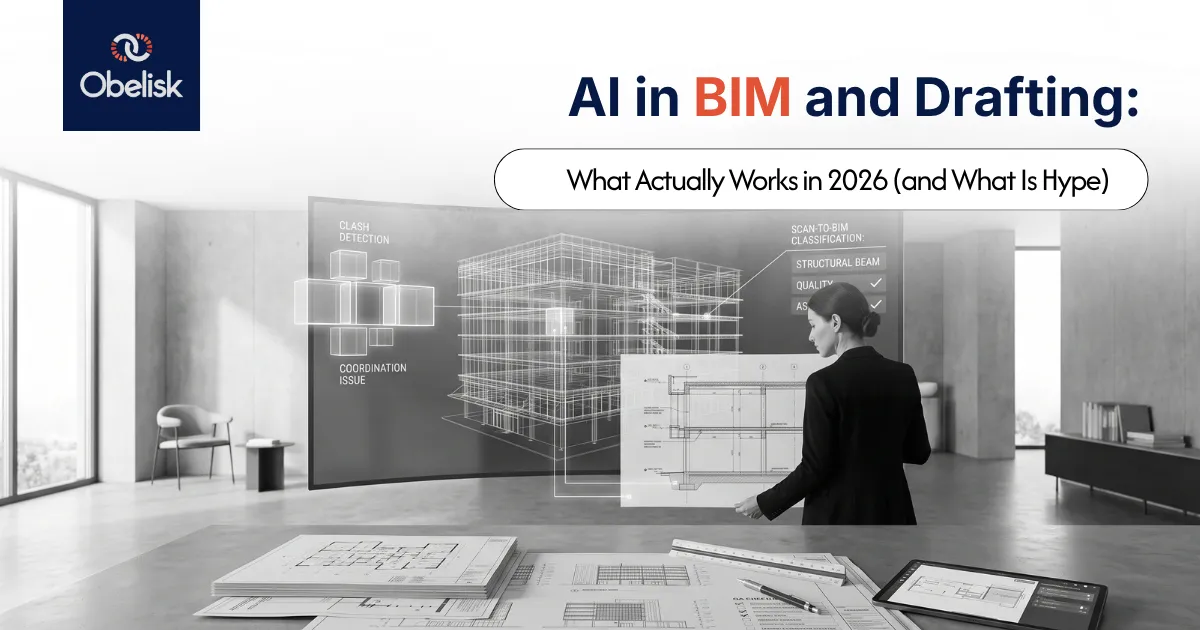
Here is our position upfront: in 2026, AI is genuinely useful in five specific places in a documentation workflow, oversold almost everywhere else, and nowhere near replacing the judgement that makes documentation reliable. We tested the tools on internal projects through 2025 so you can skip the disappointing ones.
If you are being pitched an AI tool this week (and someone in your practice is), this is the grounded read.
Where AI Delivers Today
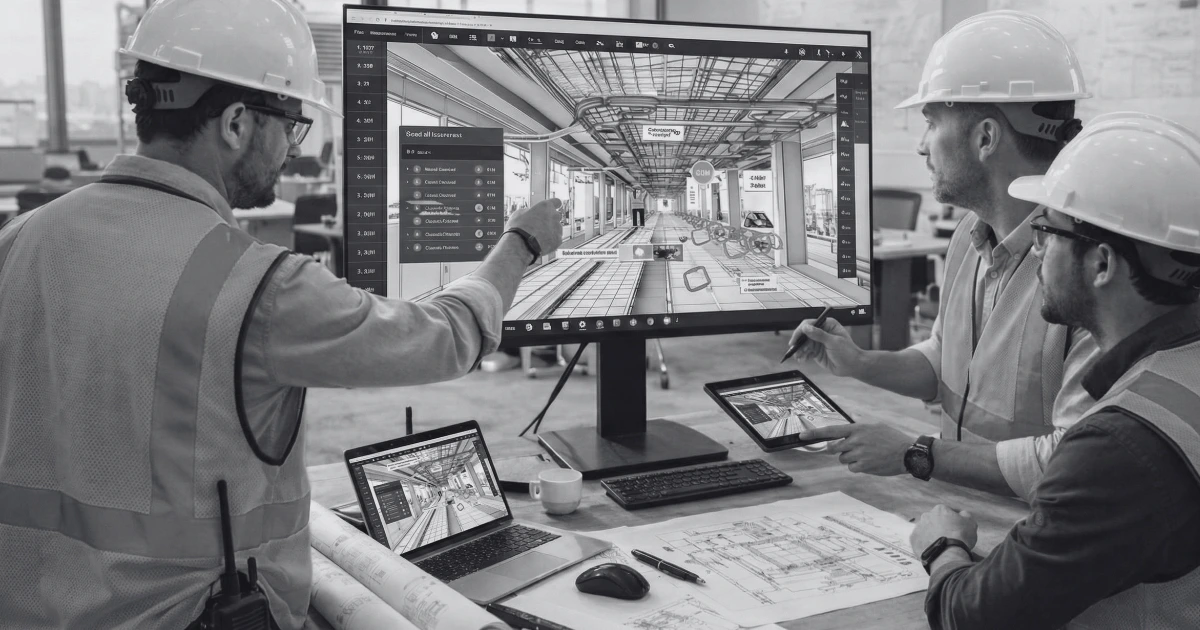
1. Clash triage. Classic clash detection finds everything; the pain is the 2,000-item report where 60 percent are duplicates, false positives, or the same pipe hitting the same beam forty times. Machine-learning triage that groups, deduplicates, and ranks clashes by likely cost cut our review sessions by roughly a third on trial projects. This is the most mature use in the market.
2. Drawing and model checking. Rule-based checkers have existed for years; the newer models catch fuzzier problems: missing tags, orphaned references, dimension anomalies, and sheets that drifted from naming conventions. As a pre-issue net behind a human checker, it's worthwhile. As a replacement for the checker, no.
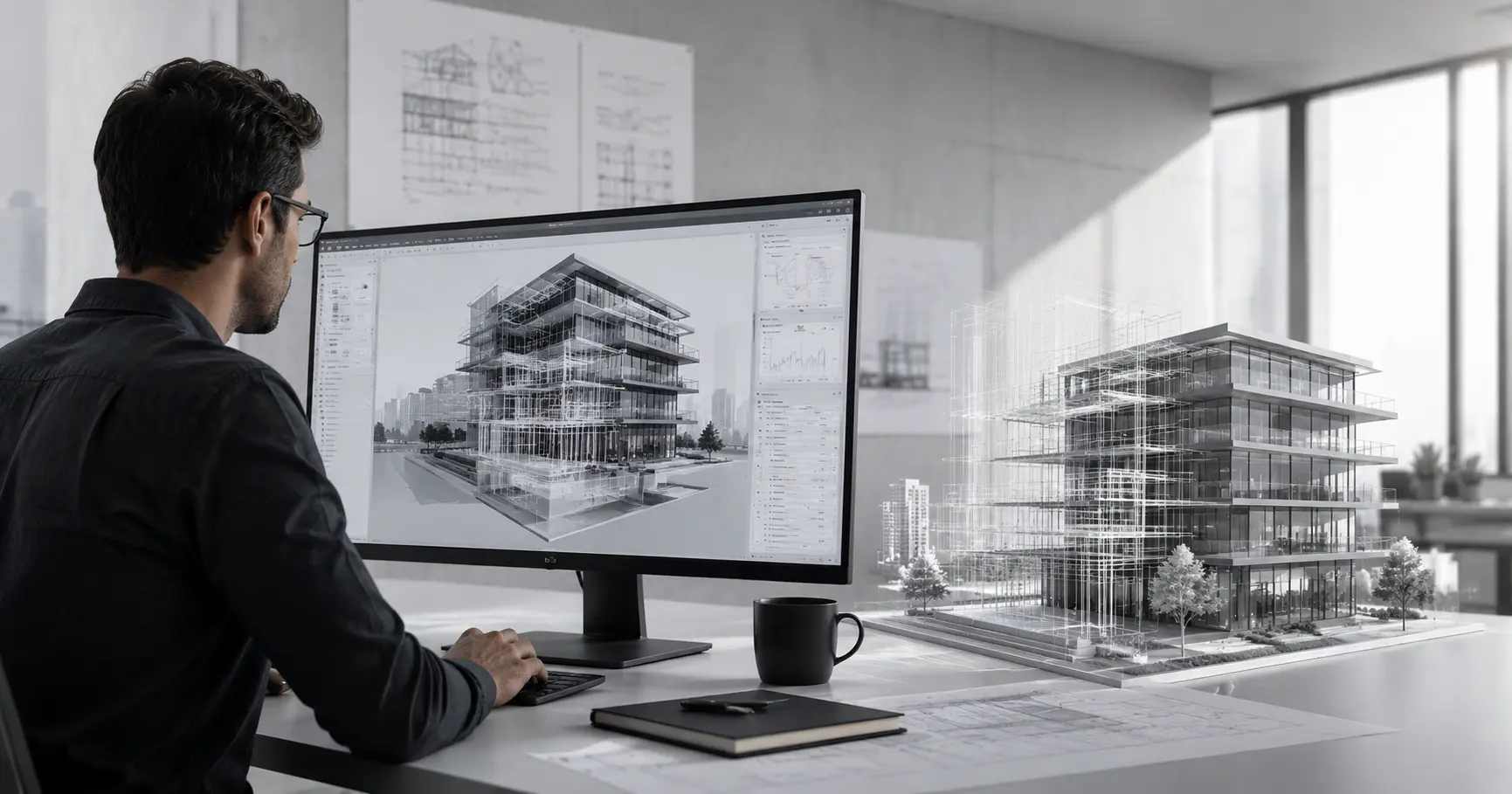
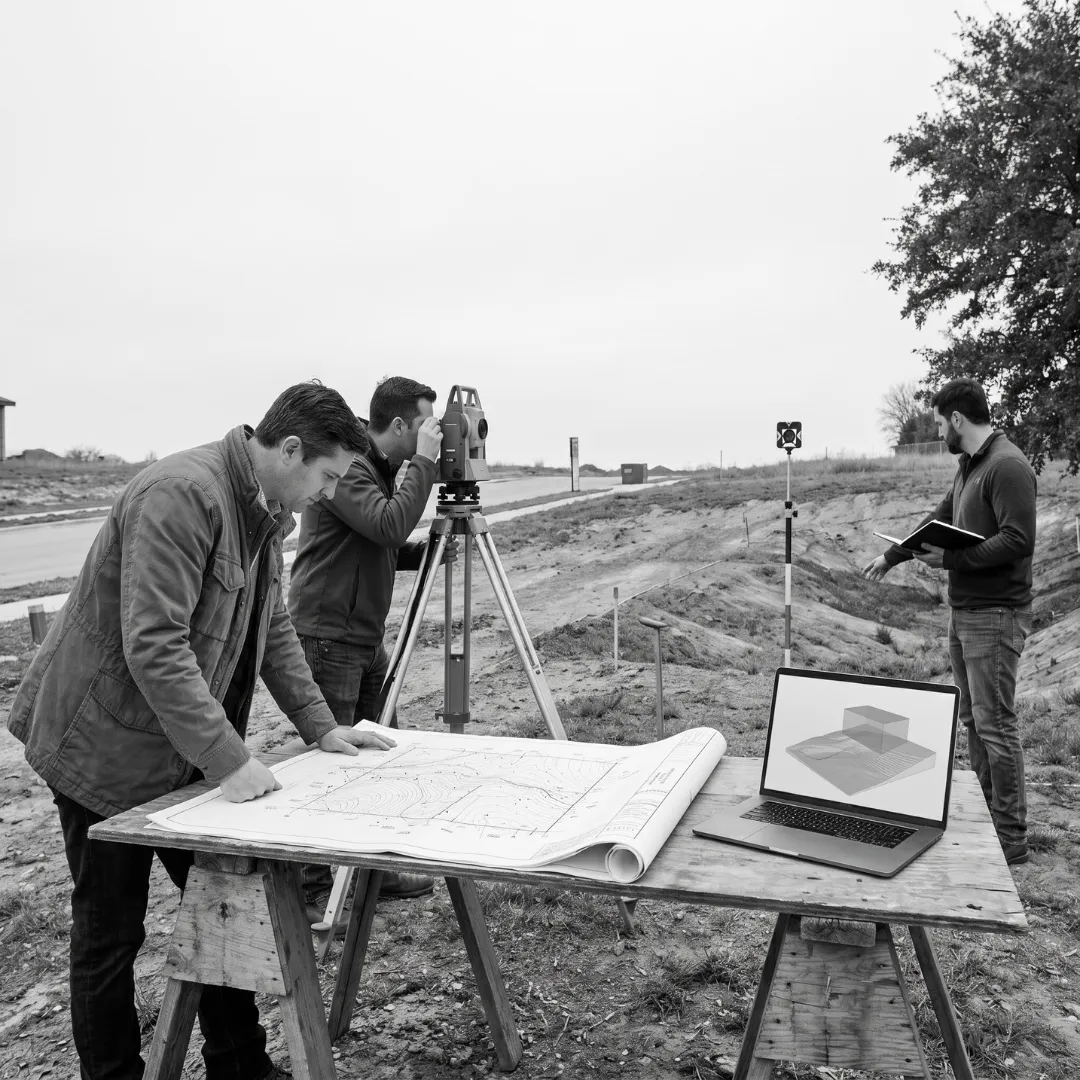
3. Scan data classification. Point cloud processing has quietly become the biggest AI win in our own workflow. Automatic classification of cloud regions (structure, pipe, duct, and clutter) speeds the cleanup and modeling stations of scan-to-BIM meaningfully; what took days in 2023 takes hours in 2026.
4. Visualization. AI rendering and upscaling have genuinely changed early-stage presentation economics: concept imagery that once justified a render budget now happens inside design hours. Detail-stage marketing imagery still needs the traditional pipeline.
5. Specification and report drafting. First drafts of spec sections, door hardware schedules cross-checks, and meeting-minute summaries. Real time savings with one hard rule: nothing AI-drafted goes out without a competent human reading every line. The failure mode is plausible wrongness, which in compliance documentation is the expensive kind of wrong.
Where It Disappoints
Text-to-model. “Describe the building and get a Revit model” demos brilliantly and produces geometry no documenter can use: wrong wall types, arbitrary structure, and no compliance logic. Nothing we tested in 2025 or since survives contact with a real documentation deliverable.
Fully automated documentation. Claims of push-button drawing sets from a model skip the part that is the actual job: sheet composition judgement, annotation hierarchy, and knowing what the builder needs to see. Auto-sheeting tools help with setup mechanics; the promise of “documentation without documenters” is marketing.
Generative design as a compliance tool. Option generators are fun for massing and layouts. The outputs still need every real constraint (NCC, fire, structure, services) applied by people who know them, which is where the time actually goes.
What This Means for Drafting Teams
The pattern across all five working uses is that AI compresses the repetitive middle of workflows and leaves the ends (scoping judgement at the front and quality judgement at the back) firmly human. Teams should expect roles to tilt further toward checking, coordination, and standards ownership. The junior years spent purely on repetitive production are shrinking, which raises a real training question the industry has yet to answer: where does the next generation build judgement? Our answer at Obelisk has been structured QA involvement from year one, and we suggest practices adopt something similar.
How to Trial AI Tools Without Risking Live Projects
Four rules from our own trials. Run every trial on a completed project so ground truth exists and clients carry zero risk. Measure one number per tool (hours saved per week, errors caught per issue) and kill anything that can’t move it in a month. Check the data terms before uploading anything: some tools train on your uploads, and your client’s unpublished project has no business in a training set; this is an NDA question. Treat it as one. And give every trial an owner, because tools without owners become shelf licenses.
Tools Change. Documentation Standards Do Not.
A drawing set still succeeds or fails on accuracy, coordination, and compliance. AI moves the labor around inside that equation without changing it. Our commitment through 2026 stays the same as it was through 2025: adopt what measurably helps, skip what demos well, and keep human QA on every deliverable.
FAQ: AI in BIM
Will AI replace drafters?
It is replacing portions of repetitive production work while increasing the value of checking, coordination, and standards judgement. Teams are reshaping rather than disappearing.
What is the most useful AI application in BIM right now?
Clash triage and scan data classification deliver the clearest measured savings in 2026.
Is it safe to upload project models to AI tools?
Only after reading the data terms. Where a tool trains on uploads, client confidentiality and NDA obligations rule it out. Ask vendors the question directly.
Should small firms invest in AI tools now?
Try cheap against one measured number, adopt what wins, and skip the platform-scale commitments. The tool market is moving too fast for long lock-ins.
The Grounded Path
Adopt the five working uses, ignore the demos, and keep the QA human.
Want documentation output that scales without the experimentation risk? Talk to us about how we combine automation with human QA.
📧 Discuss Your Project: team@obelisk.au
TABLE OF CONTENTS












.png)
.png)
.webp)